




Used by

    VG Otterbach-OtterbergVG Enkenbach-Alsenborn

    As seen in

    Unfallkasse Rheinland-PfalzDie Rheinpfalz
    What Bienenstock solves

    One more Software, just a tablet, and done!

    Save yourself the hours of reconstructing attendance. Stop making staff and child decisions in the dark - and limit your personal liability in insurance cases and state inspections.

    Easy to integrate: as much technology as necessary, as little as possible. The goal is to reduce admin work, not add to it.

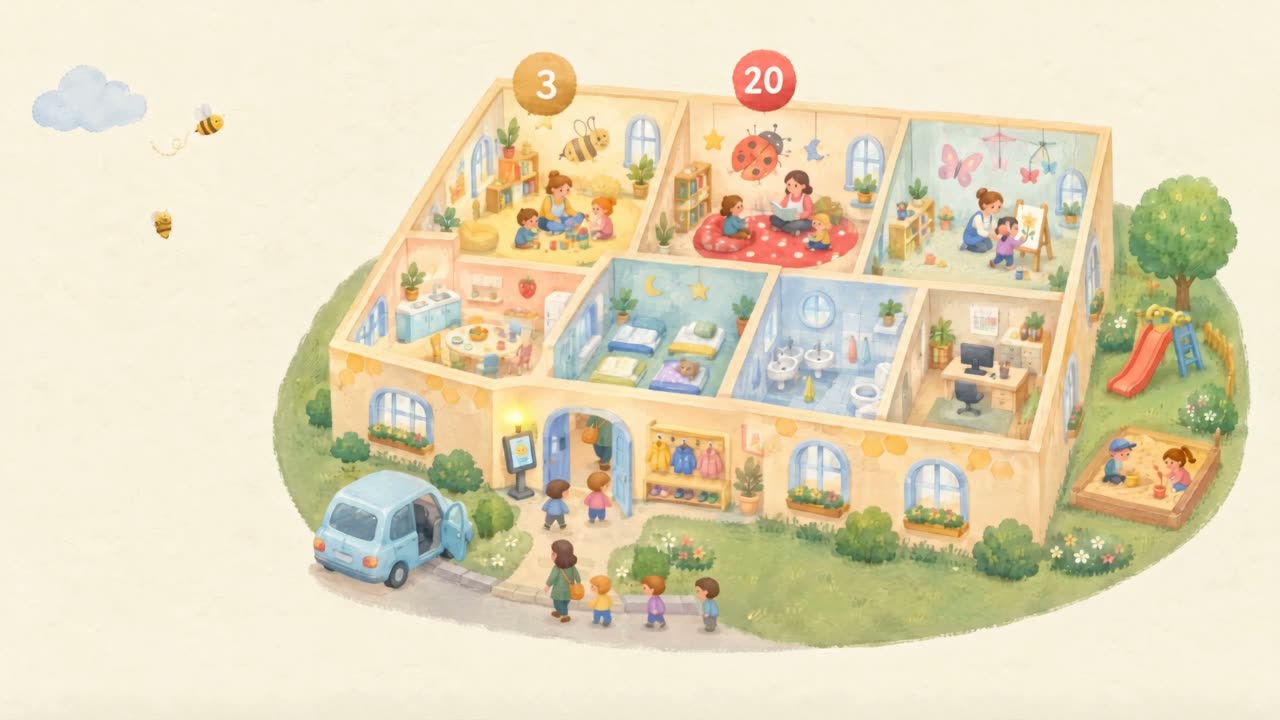
    Silent looping gouache cutaway of a Kita. Occupancy badges (3, 12, 18, 20; red when a group is overfull) float above the rooms. A check-in tablet stands at the entrance, families arrive and leave, the garden has a slide and sandbox. The camera does not move. The idea: the centre becomes transparent so leadership sees actual occupancy without reconstructing lists.

    You do not have to switch software to use Bienenstock.

    Full data from minimal personal details per child:

    Date of birthCare modelGroup

    That is all.

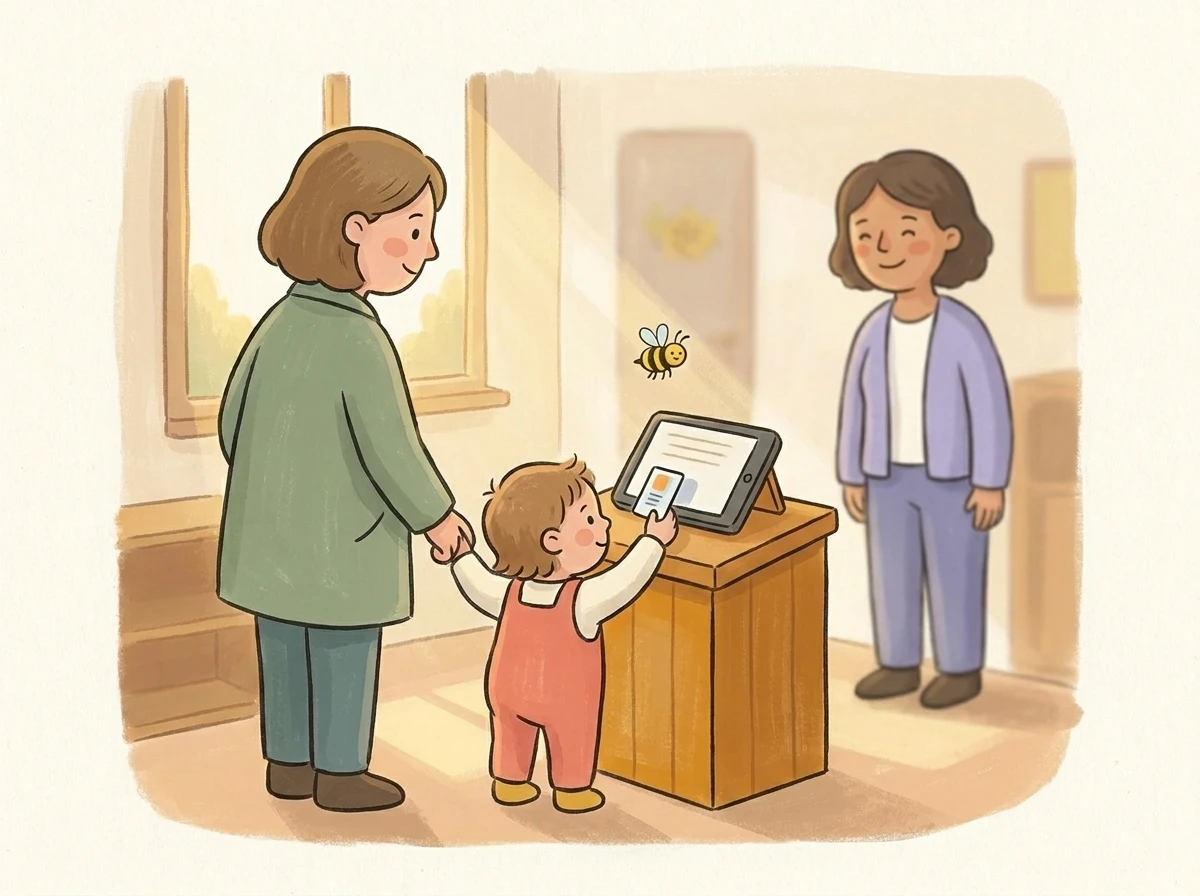
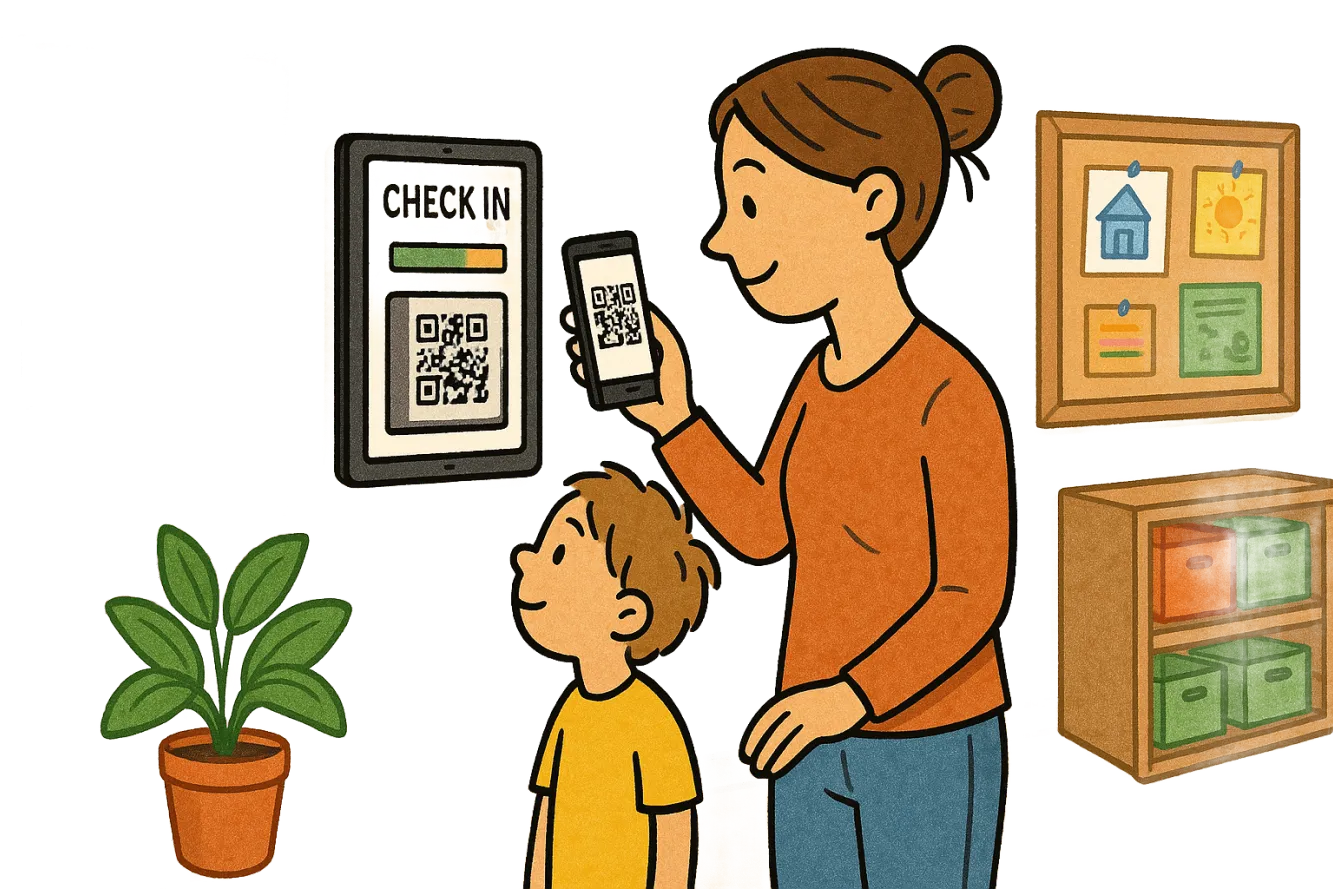
    Tablet at a Kita entrance with parent and child checking in via QR
    01
    Authority · Insurance · Provider

    Minute-accurate documentation - automatic.

    Every check-in and check-out is logged with a timestamp and stored audit-proof. Daily reports for authorities and insurance are generated at the press of a button - no paper, no Excel.

    Generate daily reportAutomatic
    PDF
    Report_2026-05-21.pdf24 children · 8 staff · 9h 47min✓Audit-proof signature
    Stamp:21.05.2026 · 17:03

    View sample report
    Kita leader handing a paper folder to a government clerk
    02
    Cantonal rules · 26 cantons

    Meet state requirements automatically.

    Staff-to-child ratio, supervision hours and care duties are checked live against your canton's rules. The system warns you about deviations before they become a problem.

    State rules · NRWMet
    ✓Staff-to-child ratio1 : 8
    ✓Continuous supervision9h 47m
    ✓Min. 2 qualified staff / group3/3
    Kita door with open sign
    03
    Planning · Capacity

    Plan better, close less.

    Staff and occupancy forecasts for the next 14 days surface bottlenecks before they become emergencies. Adjust shifts and onboarding in time - and rarely close groups.

    7-day forecastActive
    Mo
    Tu
    We
    Th
    Fr
    Sa
    Su
    Bottleneck Wed · 14:00+1 staff recommended
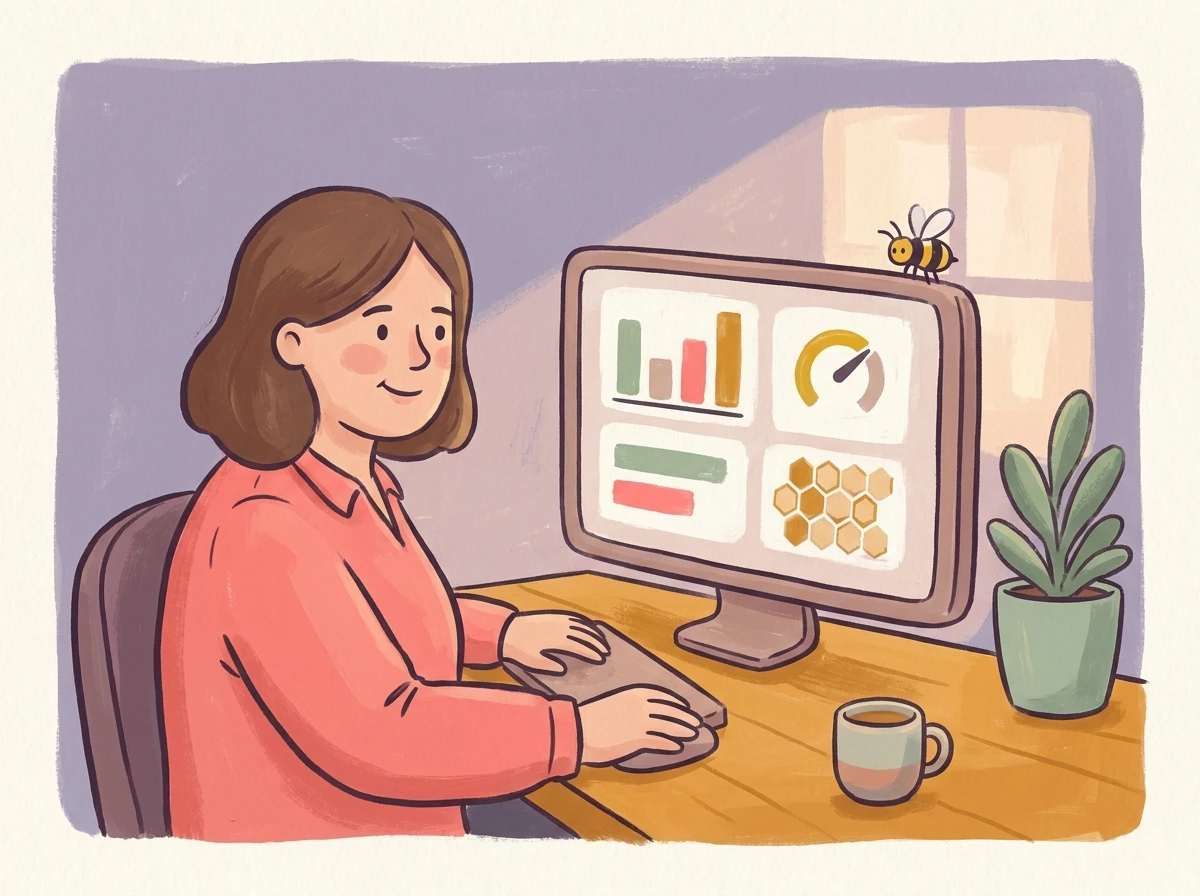
    Kita manager at office computer with dashboard graphics
    04
    Management · Provider

    Live overview of everything happening.

    Occupancy, traffic-light status, attendance and staffing - all on one screen. No calls to the group, no manual counting. See what's running in real time.

    Kita statusLive
    Occupancy · Today
    67%
    24 of 36 children · 14:32
    Staff8
    Groups3/3
    Parent holding the app reading messages and Kita status
    05
    Parents · Communication

    Inform parents transparently.

    Parents see Kita status and messages - and actively help the center with digital check-out and organization.

    09:14●●●
    InfoField trip today — please pick up by 14:00.
    Had enough of confusing software?

    Bienenstock runs - every day by itself.

    Simple software for people of all ages

    No confusing menus, no complex new software. That's the point: the tablet at the entrance does the work for you.

    Step 01

    Scan

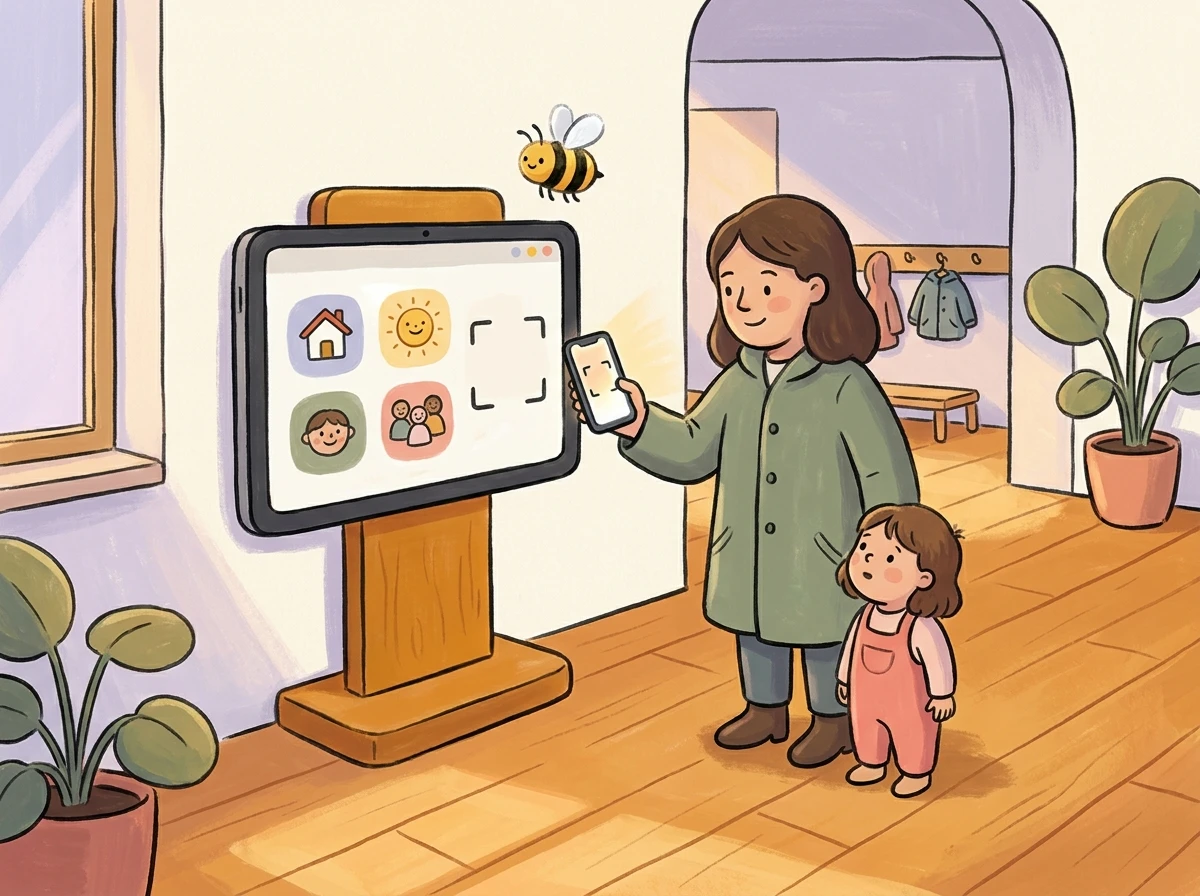
    Parents and staff tap their card on the tablet. Check-in in under 2 seconds - even with two kids on your arm.

    Bienenstock · Eingang09:14
    QR erkannt
    Lucas Müller
    Bienchen-Gruppe
    Step 02

    See

    Management and providers see occupancy, traffic-light, groups - live in the dashboard. On tablet, desktop, and phone.

    Aktuelles · BienenstockLive
    67%
    Auslastung
    24 / 36 Kinder
    Bienchen
    18/24
    Marienkäfer
    20/22
    Schmetterling
    12/20
    Step 03

    Regulate

    Management reacts instantly when the ratio gets tight: control intake or reallocate staff - before it gets critical.

    Eingriff · MarienkäferAchtung
    Schlüssel knapp1 : 11
    Einlass kurz pausieren
    Fachkraft aus Bienchen umverteilen
    Einlass pausieren
    Umverteilen
    Step 04

    Document

    For management and providers, daily reports are generated automatically - audit-signed, downloadable as PDF anytime.

    Tagesbericht · 21.05.2026Auto
    Anwesenheit · Bienchen
    Signiert
    PDF speichern
    Vorschau
    Step 05

    Hand over

    The provider receives monthly, one click, all documents for authority and insurance in one package.

    Übergabe · Träger / AmtBereit
    Monatsbericht · Mai 2026
    Bienenstock-Paket
    8 Dateien · 2.4 MB · revisionssicher
    ✓AnwesenheitslistePDF
    ✓Personal-Kind-SchlüsselXLSX
    ✓AufsichtsprotokollPDF
    First: one-time setup
    One-time setup

    To live operation in a few hours.

    No switch of your existing software needed: Bienenstock only needs each child's name, group, date of birth and care model. Nothing else.

    Tablet included · no surcharge
    1
    Tablet · Box
    Person unpacking a tablet from a Bienenstock box

    We ship the tablet - free of charge.

    Sign in to Apple with your own or a new account, then download the Bienenstock app from the App Store.

    2
    Onboarding
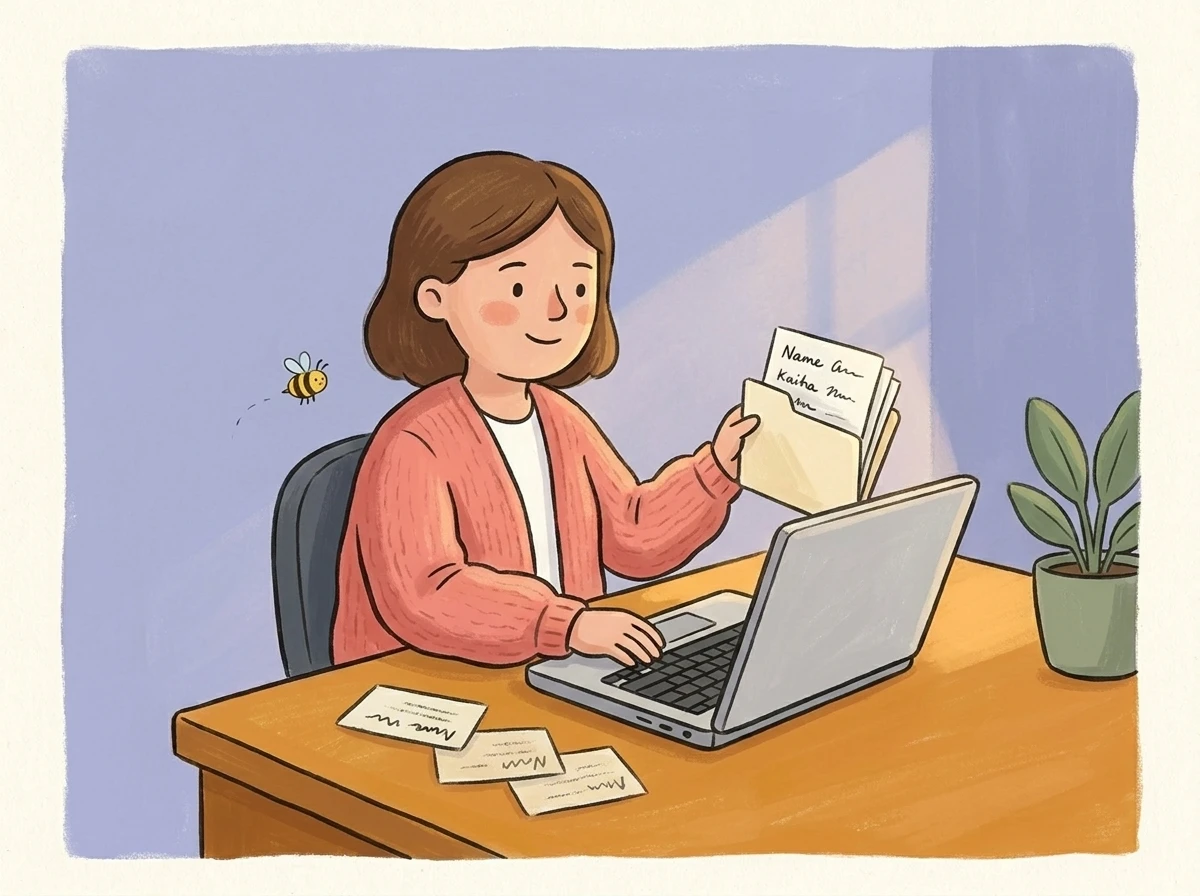
    Kita leader entering children's data on a laptop

    Add staff & children.

    CSV import from your existing system or quick manual entry. We guide you via video call.

    3
    First day
    Parent and child at first tablet check-in in a Kita entrance

    You go live - the next morning.

    Tablet at the entrance, parents scan, data flows into the dashboard. No second training day needed.

    Bienenstock is your co-director, taking care of occupancy and documentation.

    • Documentation and safeguarding of attendance and the legal framework
    • Live check-in and room to act
    • Staff planning, documentation and allocation
    • Simple parent communication for the data you need

    We help you with all of your day-to-day documentation tasks.

    How your co-director works with you:

    Groups right now

    Your whole centre at a glance, as a floor plan.

    Every room shows who is there right now. Live from the check-ins, no head counts.

    • Children and educators appear in their group room as soon as they check in.
    • If a child changes group, drag them into the other room. The check-in moves with them.
    • Group light, daily limit and fallback group sit right on the room.

    Groups right now

    Drag a child or an educator into another room to move their check-in.

    Colour children by:
    • Children
    • Educators

    On every room: maximum, today's daily limit and the fallback group.

    Photograph a sketch, and the floor plan is ready.

    Draw the rooms on paper, write the group names inside, take a photo. You check the matching and save. Rooms without a group get a “#”, such as “#Turnraum”.

    Group lights at the entrance

    If you like, the check-in screen shows the light of selected groups. Green, yellow or red is also spelled out.

    Parent communication at Bienenstock

    Two taps instead of ten messages. And the centre knows.

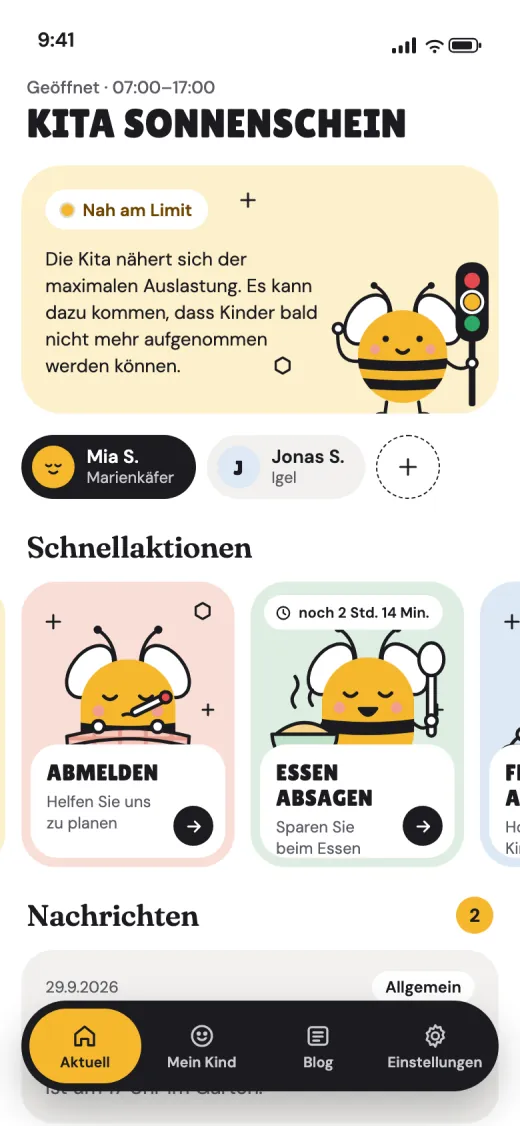
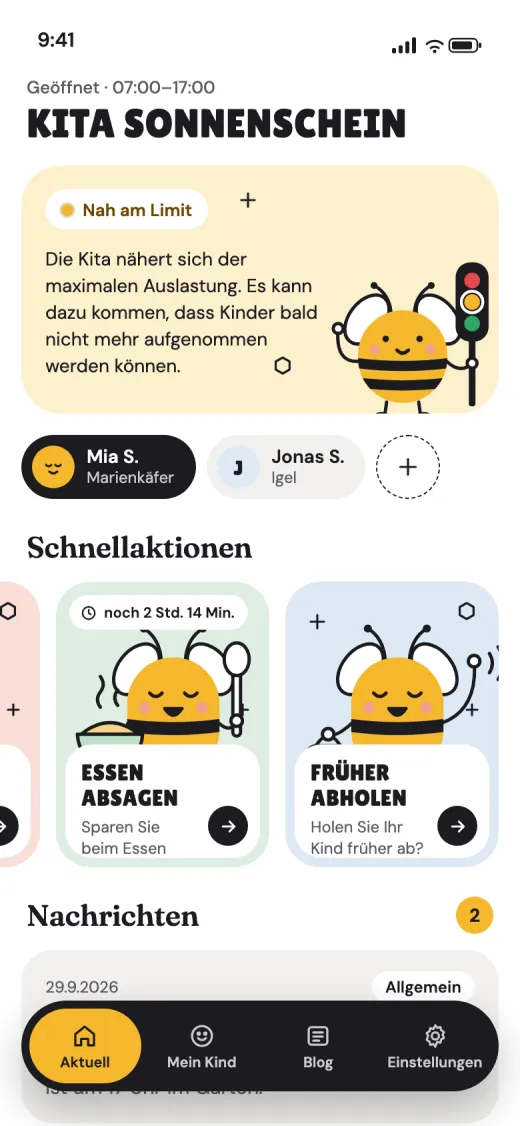
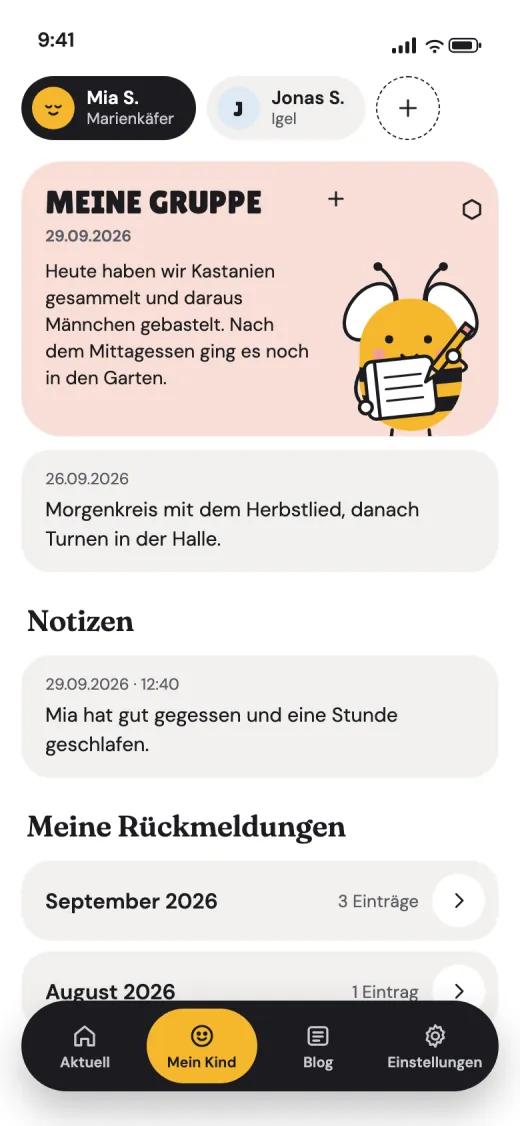
    Parents report an absence, cancel a meal or announce an early pickup through fixed actions. There is no free text that someone has to read and answer. The centre shares messages, the group report and notes about the child, and parents see live how full the centre is.

    Parents → centre

    • Sign in with a QR code, no account.
    • Report an absence, cancel a meal, pick up early: fixed actions instead of chat.
    • Siblings in the same app.

    Centre → parents

    • Live centre status, with a push message when it gets tight.
    • Messages, the group's daily report and short notes about the child.
    • The centre decides which actions parents see.
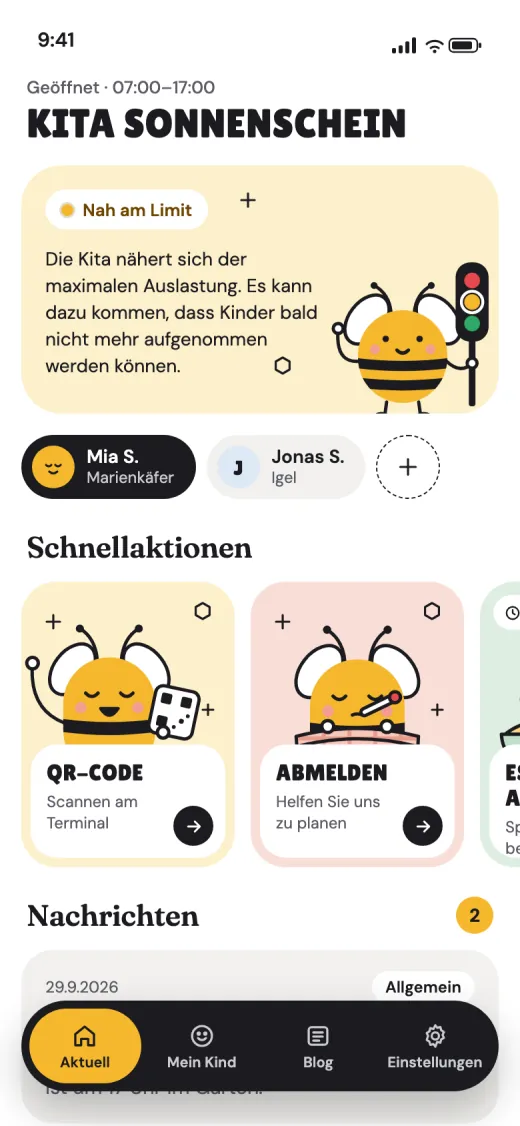
    Parent app: Centre status
    BIENENSTOCK-KITAnow

    Kita Sonnenschein: near the limit

    The centre may soon stop admitting children.

    Parent app for iOS, Android and web

    Staff planning

    The anatomy of staff planning with us

    We prepare your staff records for you. If you also plan with Bienenstock, we bring all planned and actual data together – including working from home and other special situations.

    This is how planning becomes fun!

    One shift, viewed at 11:00

    • Plan line – Thin, on top: what was planned.
    • Bar – Below: the actual time from check-in.
    • Yellow edge – The person is still here, the bar keeps growing.
    • Now – Everything to the left is the past.
    • Remaining plan – What is still to come stays a light block you can move.
    Typical situations
    Today · now 11:00

    In progress

    Up to now you see plan and actual time, after that the remaining plan.

    running
    Past

    Came late, left early

    The missing time is hatched orange.

    − 1:30 h
    Past

    Overtime, still open

    Stayed longer, not decided yet.

    One click and you decide: approve, do not count, or settle within the week.
    Today · now 11:00

    Working from home

    Working time, but it does not count towards the staffing ratio.

    Plan and bar in blue.
    Past

    Group change: previous group

    From 11:00 she works with the Bears.

    Striped instead of orange: she is here, just in another group.

    Let the time run · Sunflowers group, Thursday

    Time runs on its own. Or drag the slider: the past plan turns into the rail, the actual grows beneath it.

    • Plan (still to come)
    • Plan (over)
    • Actual time
    • Missing time
    • Overtime open
    • No check-in, please classify
    See all visuals
    Bienenstock - decorative bee illustration
    Explore Bienenstock

    What would you like to learn more about?

    Reporting, Parent App, Live Dashboard and Tablet - pick a view. Use the left nav to switch between all four anytime.

    Choose a view to continue
    Content appears once you choose a view

    Then we will pick a category for you.

    For providers

    Keep an eye on all your centers.

    Live numbers, daily, weekly and monthly reports - per location and across the whole group. All from one dashboard.

    Group · 4 sites
    164
    Children
    32
    Specialists
    71%
    Ø occupancy
    Sites · 4
    S
    KiTa SonnenblumeSchwabing · 60 places
    P
    KiTa PusteblumeMaxvorstadt · 48
    M
    KiTa MarienkäferSendling · 36
    B
    KiTa BienenwabeBogenhausen · 54
    Active center

    KiTa Sonnenblume

    Munich-Schwabing · 4 groups · 60 places
    OccupancyLive
    68%
    Children
    41
    Staff
    9
    Day curve · Forecast
    Now 11:20
    403020100MITTAGJETZT06081012141618
    ChildrenStaffForecast
    Latest reports
    4 export types
    P
    Youth_Office_Report_May_2026.pdf
    Youth office4 sites · 14:25
    ✓ Done
    P
    Insurance_Documentation_22-05-2026.pdf
    InsuranceSonnenblume · 18:05
    ✓ Done
    X
    Meal_Cancellations_W21_Billing.xlsx
    MealsSonnenblume · Mon · 09:00
    ↻ Loading

    We've pulled together the legal requirements for all 26 Swiss cantons.

    View all 26 Swiss cantons
    Compliance

    Always compliant, clearly documented.

    Live group viewReports & exportsIncidents & traffic lightsSingle sign-on across all centers
    Request group demo →

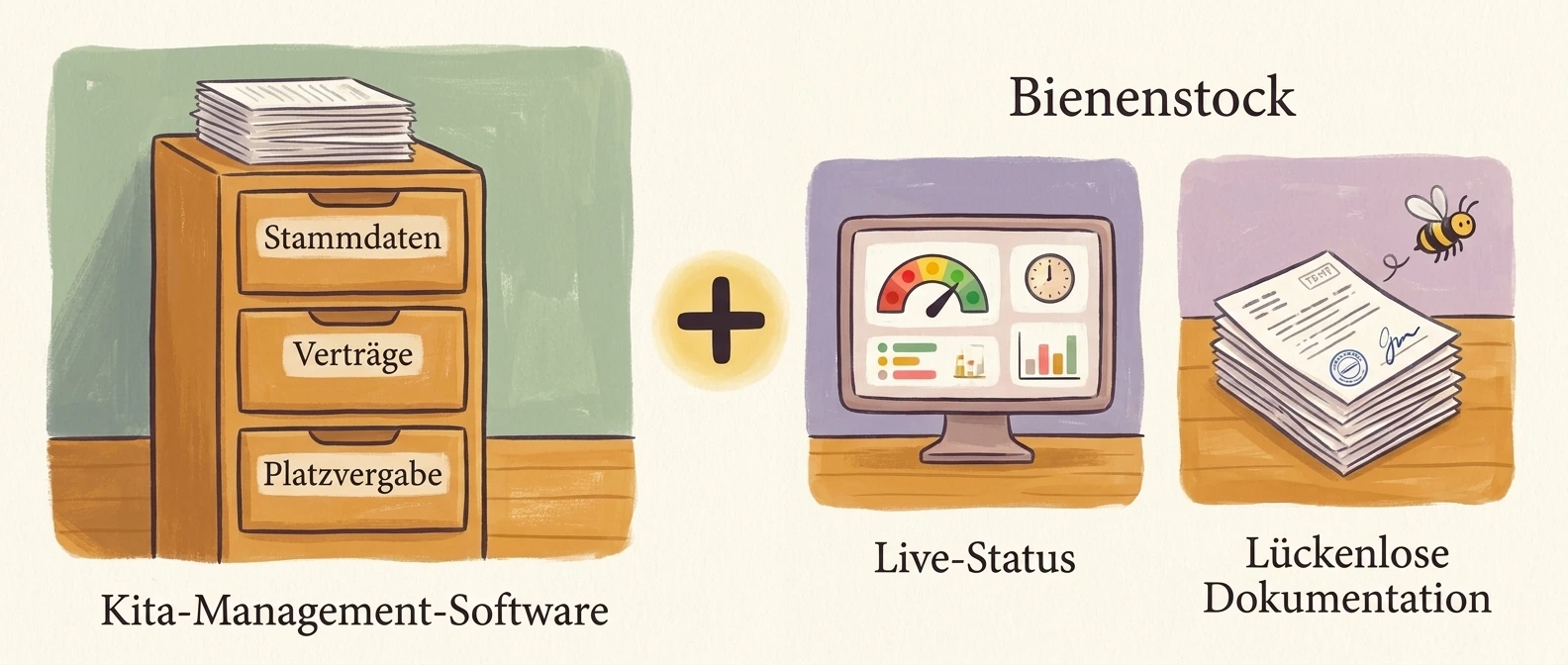
    "We already have software in our daycare."

    Beehive doesn't replace your software. Beehive complements it.

    Daycare management software manages master data, contracts and place allocation. Beehive does something different: it shows you what is happening right now in your facility - and documents it seamlessly.

    Bienenstock complements your childcare management software with live status and complete documentation
    Customer stories

    Customer stories from daycares and providers

    15%
    Time saved for directors
    80%
    fewer capacity-related emergencies
    100%
    Legal compliance
    300+
    Children managed
    5+
    Centers

    „Since implementing Beehive, we've reduced our administrative workload by 15%. Parents love the transparency and our staff can focus more on what matters most - the children. And as the director, I always know my facility is staffed within legal requirements and cleanly documented."

    Anna-Maria Lauppert von Peharnik

    Director and co-developer

    Note: We're working on a video of the V2 platform - this still shows V1.

    Why centers choose Bienenstock

    Real-time Capacity

    Enough staff for the children - legally secured

    Efficient Check-in

    Automated, less administrative effort

    Parent Communication

    Transparency builds trust with parents

    Legal Compliance

    Meet regulatory requirements automatically

    Contact

    Talk to us

    A demo, a question, or how Bienenstock fits the software you already have.

    Privacy

    Learn more about privacy and how we use data.