The tablet at the door. Attendance runs.
One kiosk tablet at the entrance. Parents and staff scan. The list writes itself. No extra device to buy - the tablet comes with the plan, preinstalled, LTE if Wi‑Fi drops.
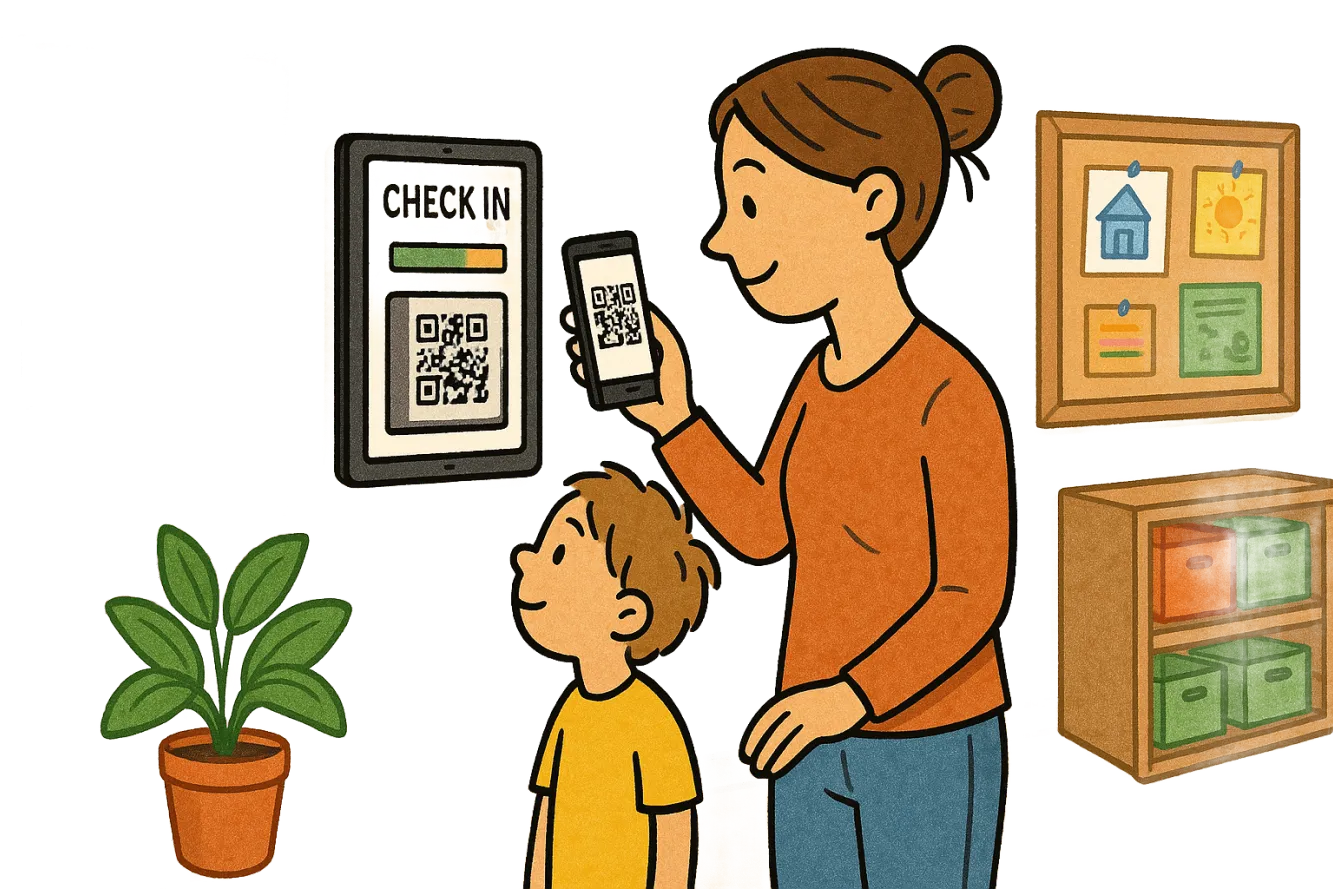
Not any tablet. An entrance that stays put.
Fixed in the hall
Portrait, in reach of adults, not children. Camera slightly down - QR scan with a child on your arm.
Same app all day
Kiosk mode: check-in, nothing else. Nobody opens YouTube between the door and the group room.
Staff and parents, one device
Parents scan the child’s QR. Staff use the same scanner for their own attendance. Otherwise the ratio is fiction.
The kiosk is not the parent app.
The parent app lives on the phone. The kiosk lives on the wall. Without the kiosk there is no attendance at the door.
| Kiosk tablet | Parent app | |
|---|---|---|
| Where | Entrance, fixed tablet | Parents’ phone, optional |
| What | Check-in and out, live status | Absence, meals, messages |
| Account | Facility login on the device | no parent account |
| Without it | no automatic attendance | the Kita still runs |
About the kiosk
Do we buy our own tablet?
No. A check-in tablet is in the plan. Refurbished iPad, preinstalled, LTE backup. If it breaks: express replacement.
Does it work without Wi‑Fi?
For a while, yes. The tablet stores check-ins locally and sends them when the network returns. LTE backup covers the ordinary day.
Is the app actually called Kiosk?
Yes. App Store: “Bienenstock Kita Kiosk”. That is the device at the door - not the parent app.